 Posts and Plugins
WordPress.org and WordPress.com
Last reviewed
The short version
- WordPress is free software for building a website.
- WordPress.org is where you get that software. You then put it on a web host yourself. This is called self-hosting.
- WordPress.com is a service where hosting comes with the site.
- This handbook is about the first way: running your own copy.
What WordPress is
WordPress is a content management system, or CMS. That is software you use to build and manage a website.[1]
WordPress is also open source. Its licence gives you the freedom to run it for any purpose.[2] You can also study how it works and change it.[2] The project began in 2003.[2]
Two ways to use it
Both WordPress.org and WordPress.com run on the same WordPress software.[1] The big difference is hosting. Hosting is a service that keeps your website online so people can visit it.[1]
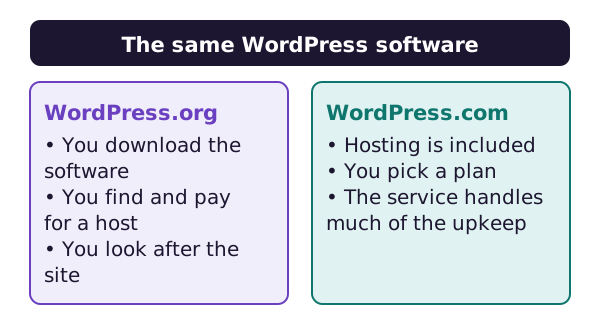
WordPress.com includes hosting.[1] It sells plans that range from Free up to Enterprise.[1]
WordPress.org does not include hosting. You download the software for free. Then you upload it to a host that you choose.[1] People call this self-hosting.[1]
What self-hosting means for you
When you self-host, you do more of the work. You must find and pay for a host, and you take on more of the technical side.[1] In return, you get a lot of freedom.[1]
Four pieces make up a self-hosted site:
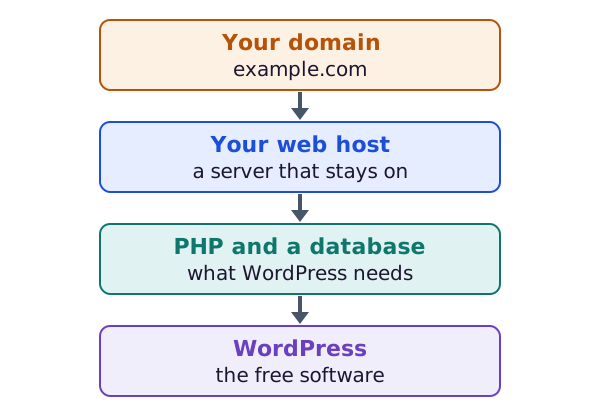
Your domain is the address people type, such as example.com. Your host is the server that stays switched on. WordPress runs on that server and needs a few tools there. The install page lists them.
Some things depend on your choice of host. Speed and security vary with your host and its package.[1] Support is not built in either.[1] You ask your host, or you use the WordPress support forums.
What stays the same
With either way, you own your content. You are free to move it when you like.[1] You can start on one and switch later.
Where to get the software
The official download page is on WordPress.org. It offers two choices.
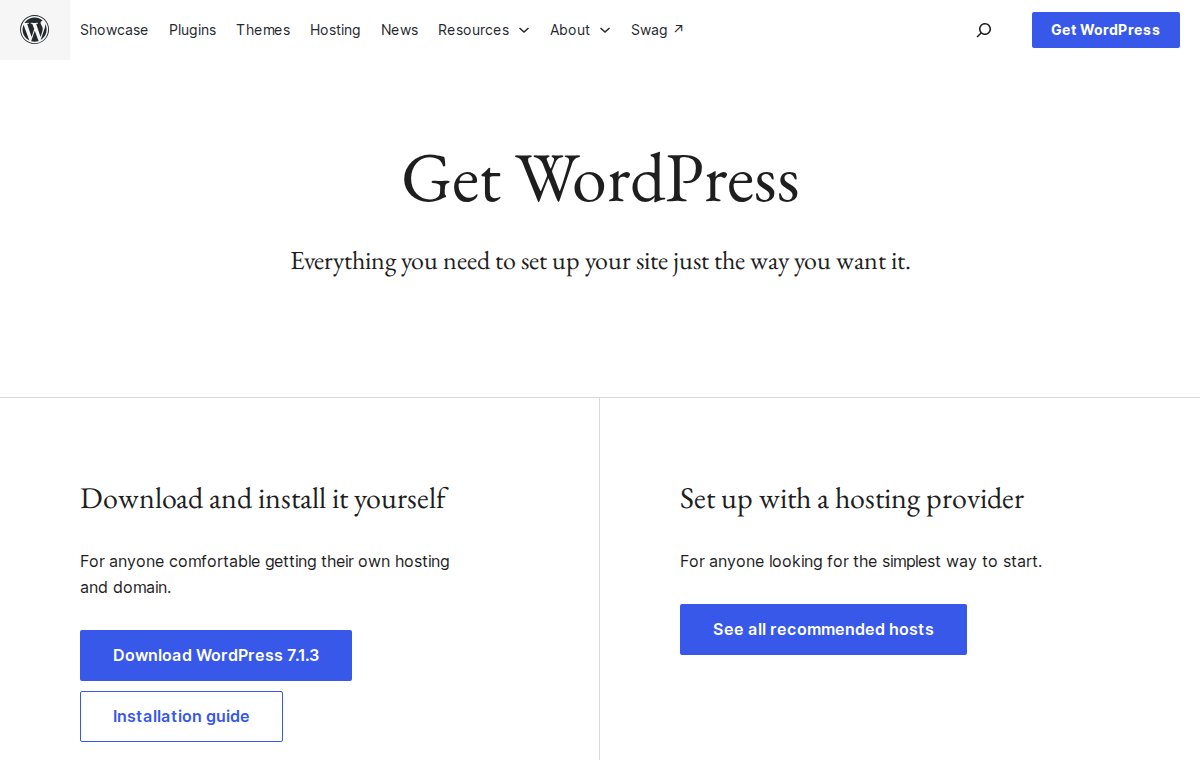
The first is "Download and install it yourself". It is for anyone who is comfortable getting their own hosting and domain.[3] The second is "Set up with a hosting provider". It is for anyone looking for the simplest way to start.[3]
Which way should you go?
Neither way is right for everyone. Self-hosting means more hands-on work.[1] That suits you if you want control and enjoy learning. This handbook shows you how it fits together, one step at a time.
Next, see how to install WordPress.
Sources
- WordPress.com vs. WordPress.org: What's the difference?, WordPress.com Support (accessed 2026-10-18)
- About WordPress, WordPress.org (accessed 2026-10-18)
- Get WordPress, WordPress.org (accessed 2026-10-18)